
- Published on
Agentic Engineering at Airvet: Research, Plan, Implement
- Authors

- Name
- Duncan Leung
- @leungd
I gave another talk to the Airvet engineering org on April 9, 2026 covering agentic engineering / engineering with AI coding agents. We have team members using Cursor, and some dabbling with Claude Code and I wanted to further push the team forward to embrace agentic engineering and to share some some of my highest-leverage workflows with coding agents: not better prompting - but splitting work into Research, Plan, and Implement phases and managing context deliberately at each step.
Agentic engineering with AI coding agents: use a deliberate Research → Plan → Implement workflow.
The mindset shift in 2026 isn't prompt engineering - it's splitting work into phases, picking the right agent mode for each, and managing context ruthlessly.
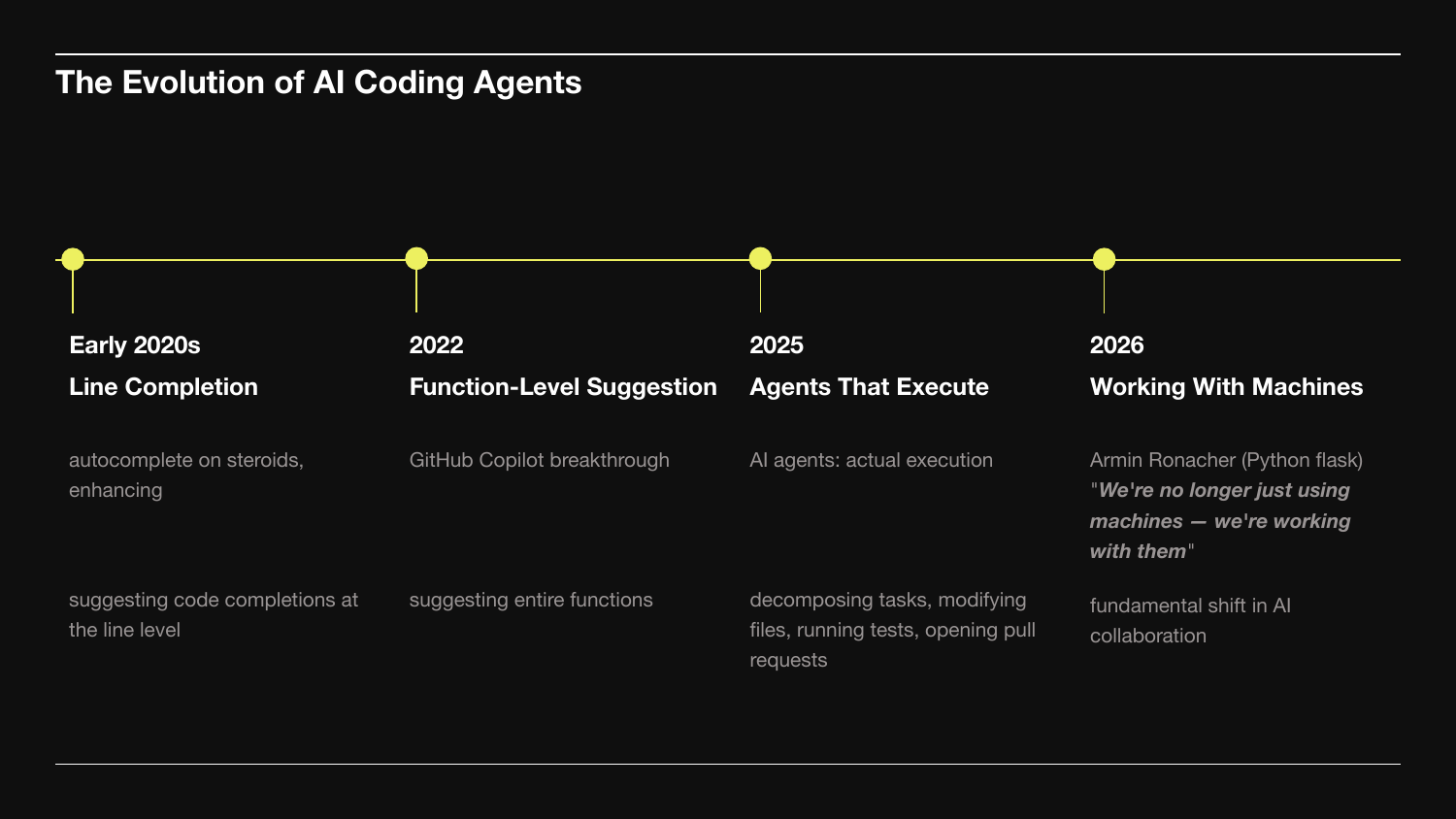
Four phases of AI coding agents.
- Early 2020s - line-level autocomplete.
- 2022 - Copilot's function-level suggestions.
- 2025 - agents that execute: decompose tasks, modify files, run tests, open PRs.
- 2026 - what Armin Ronacher calls "working with machines." Tools became collaborators.
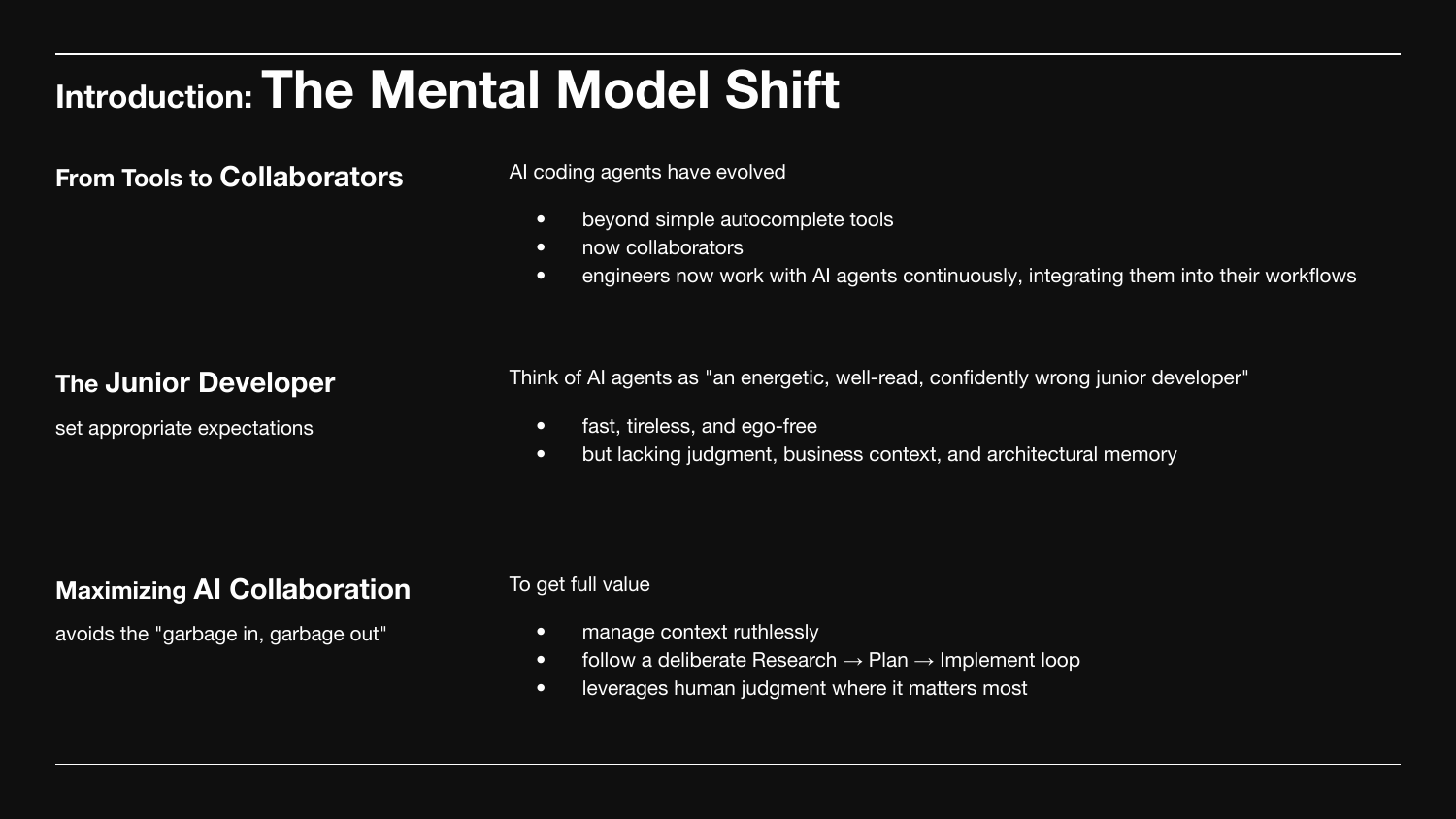
Three things to internalize:
- Agents are collaborators, not autocomplete. You work with them continuously.
- To get full value, manage context ruthlessly and follow a deliberate Research → Plan → Implement loop.
- Otherwise: garbage in, garbage out.
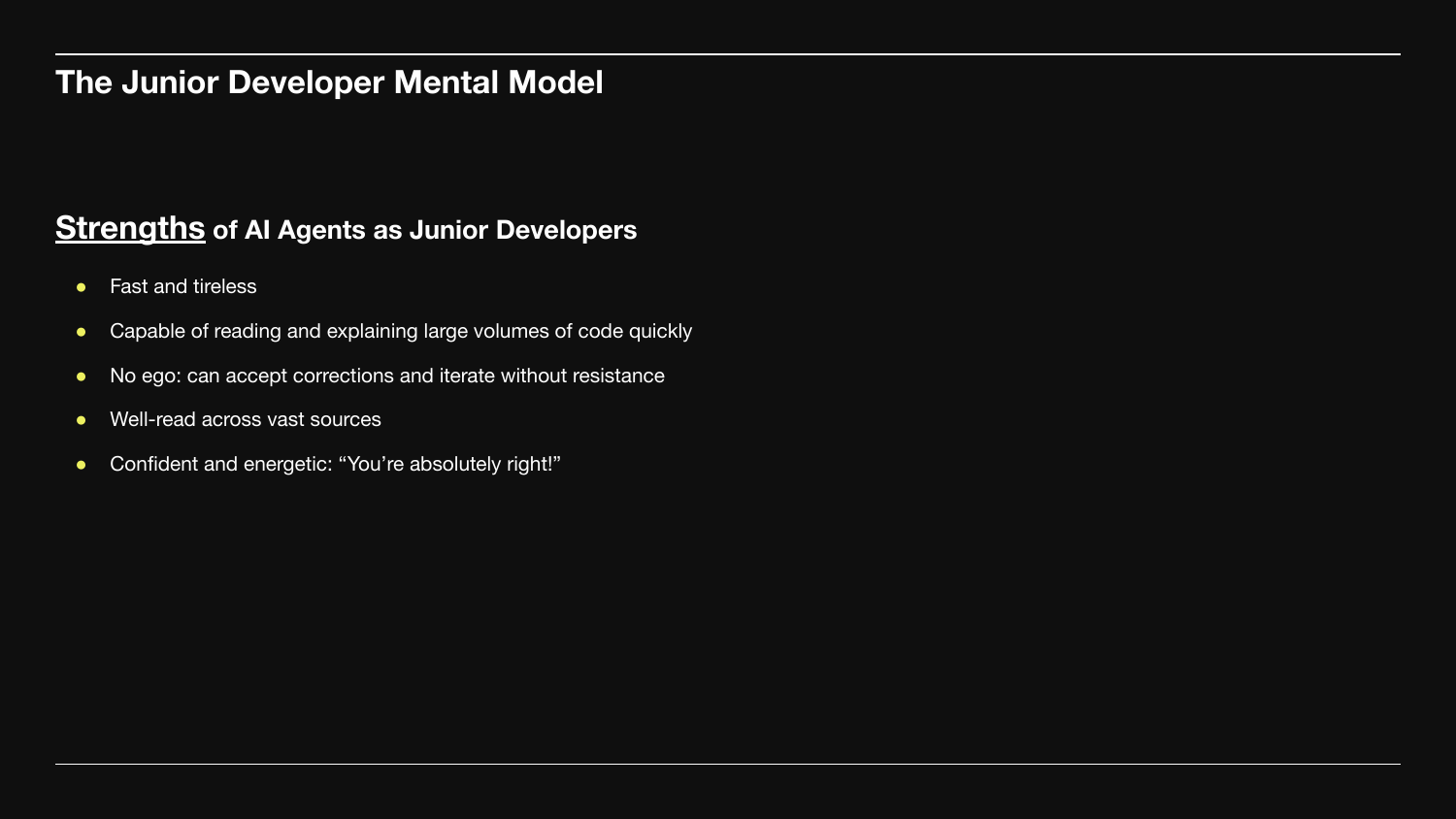
The mental model: agents are an energetic, well-read, confidently wrong junior developer.
Strengths:
- Fast and tireless.
- Reads and explains large volumes of code in seconds.
- No ego - accepts corrections without resistance.
- Well-read across enormous breadth.
- Confident and energetic.
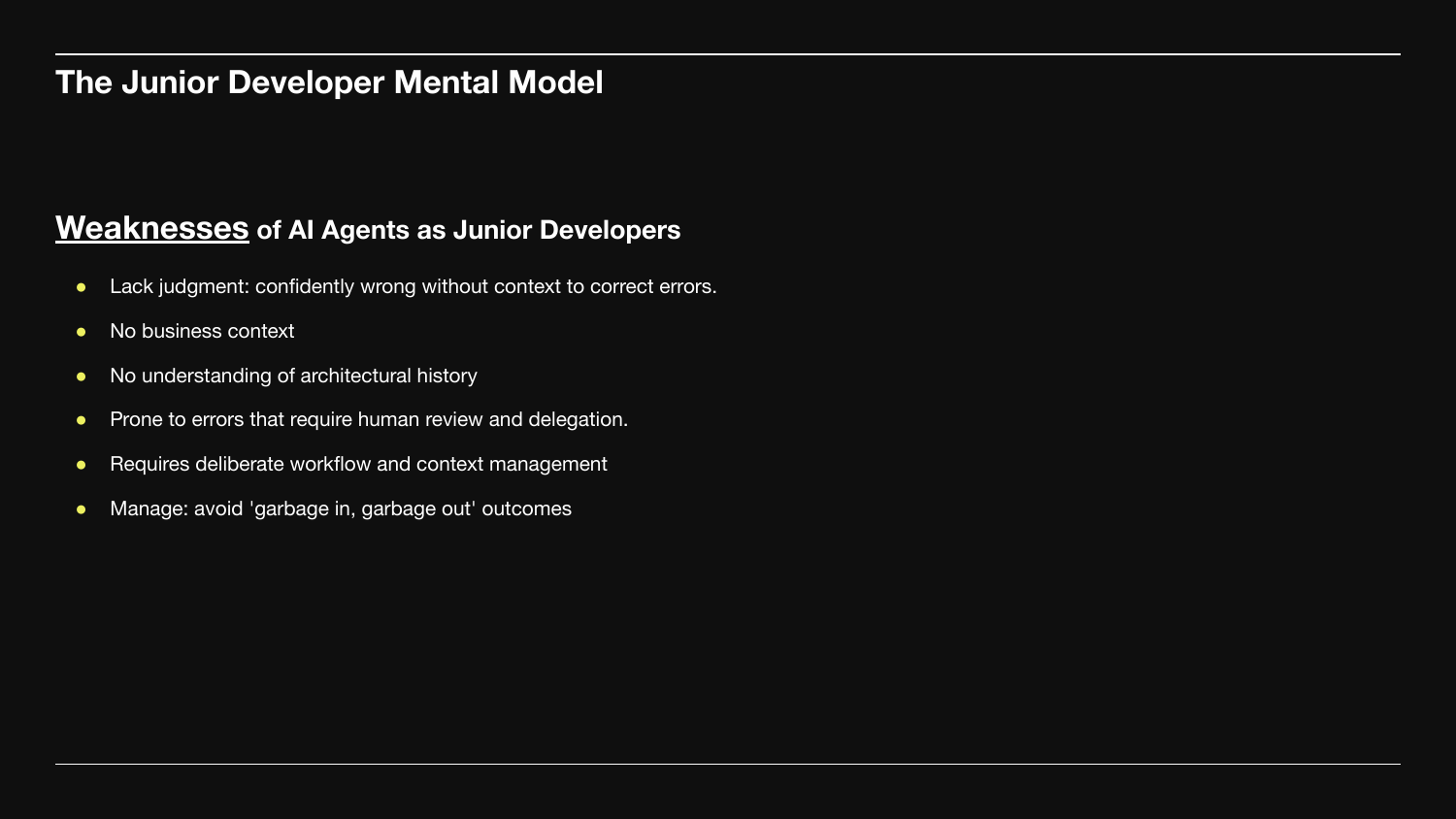
Weaknesses - where most bad output comes from:
- No judgment - confidently wrong without context to correct itself.
- No business context - doesn't know why the architecture is what it is.
- No memory of past decisions or constraints.
- Errors require human review.
Treat their output like a junior PR. Useful, often correct, always review before merging.
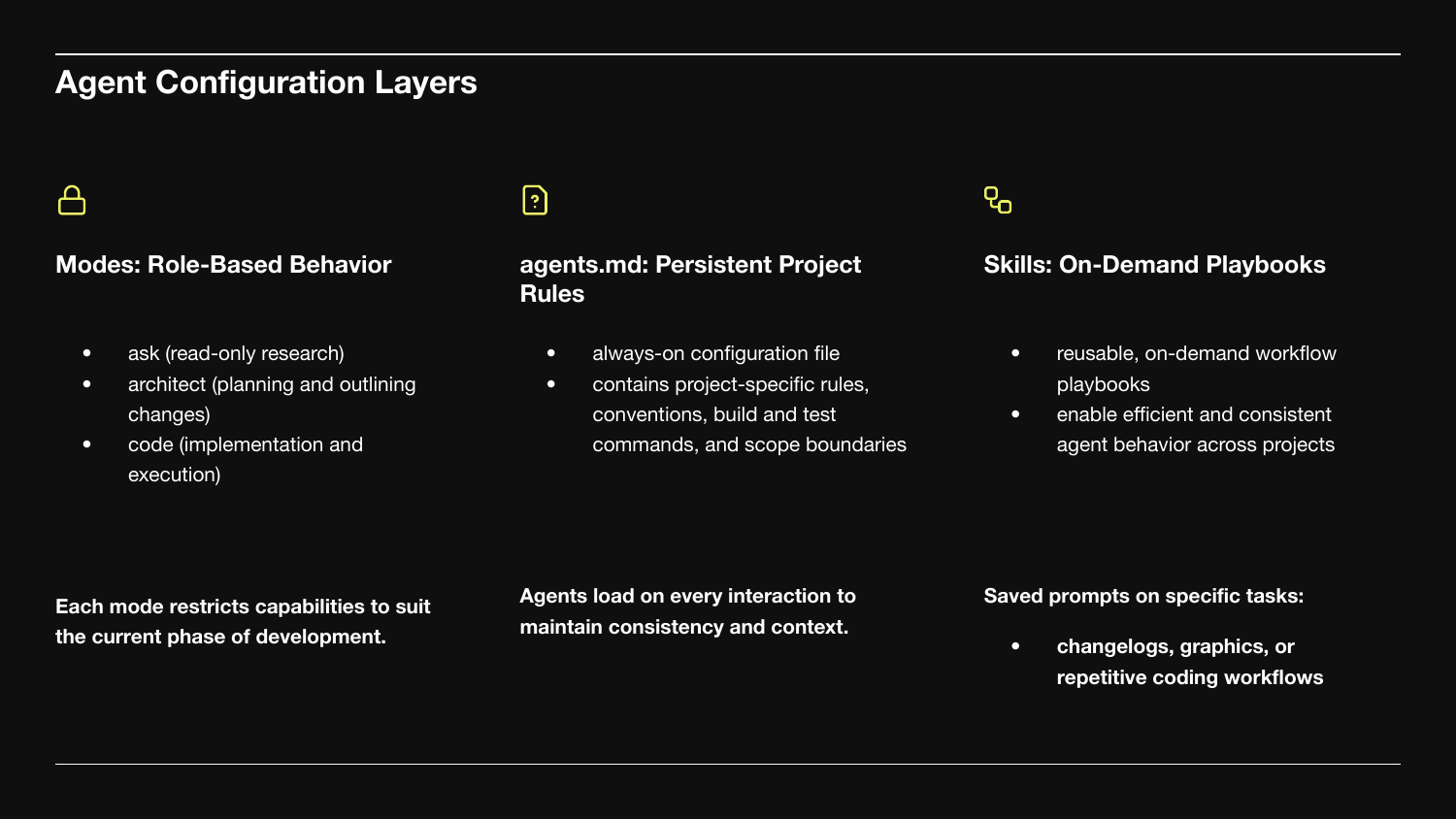
Three layers of agent configuration.
Modes - role-based behavior. ask for read-only research, architect for planning, code for implementation. Each restricts capabilities to the current phase.
agents.md - the always-on rules file. Conventions, build commands, scope. Loaded on every interaction.
Skills - reusable playbooks for repeated workflows.
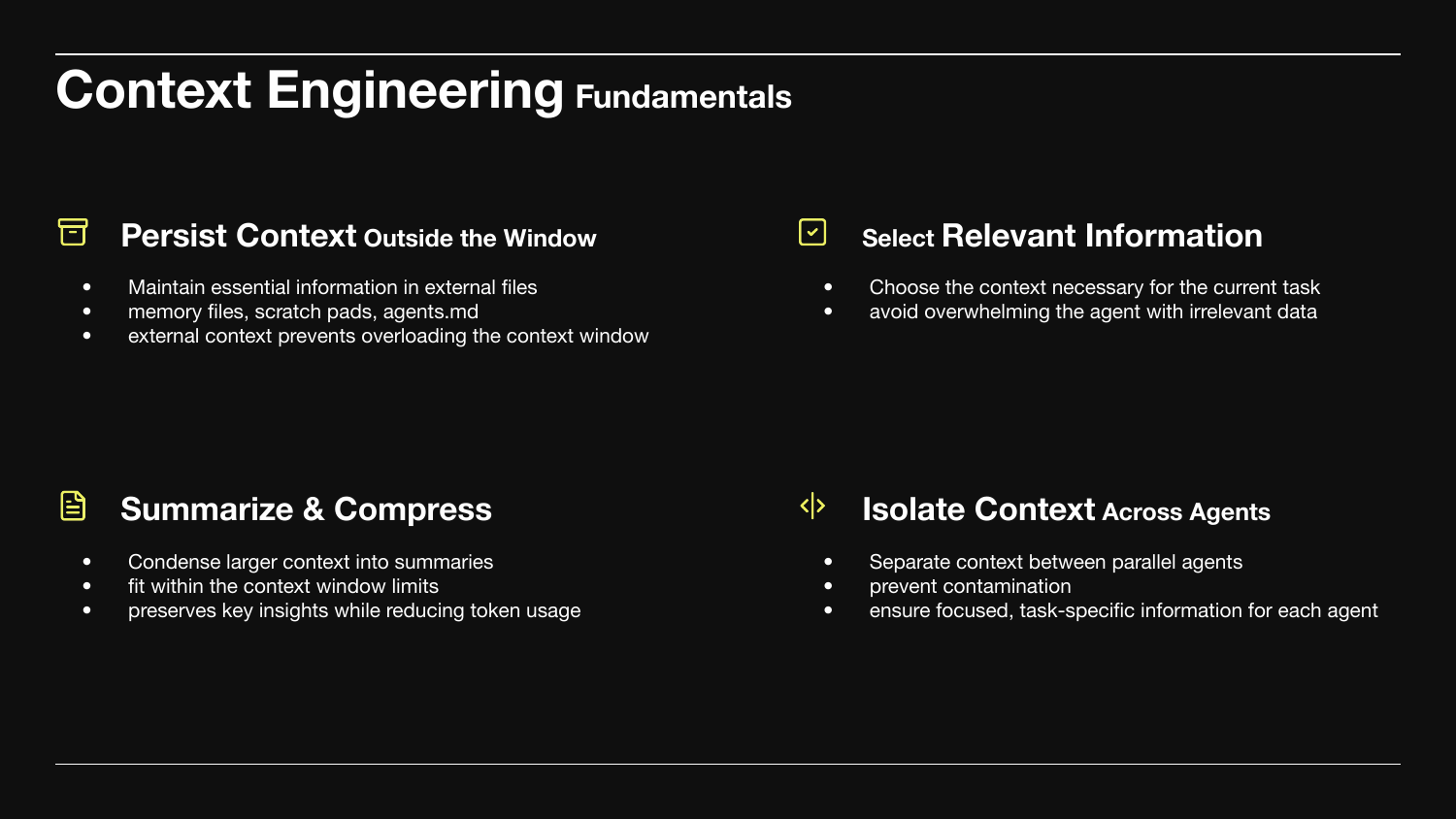
Four primitives for managing context.
Persist outside the window. Memory files, scratch pads, agents.md. The window is small; the project state is not.
Select. Only what the task needs. Irrelevant data hurts more than it helps.
Summarize. Condense large context into summaries.
Isolate. Parallel agents need separate contexts.
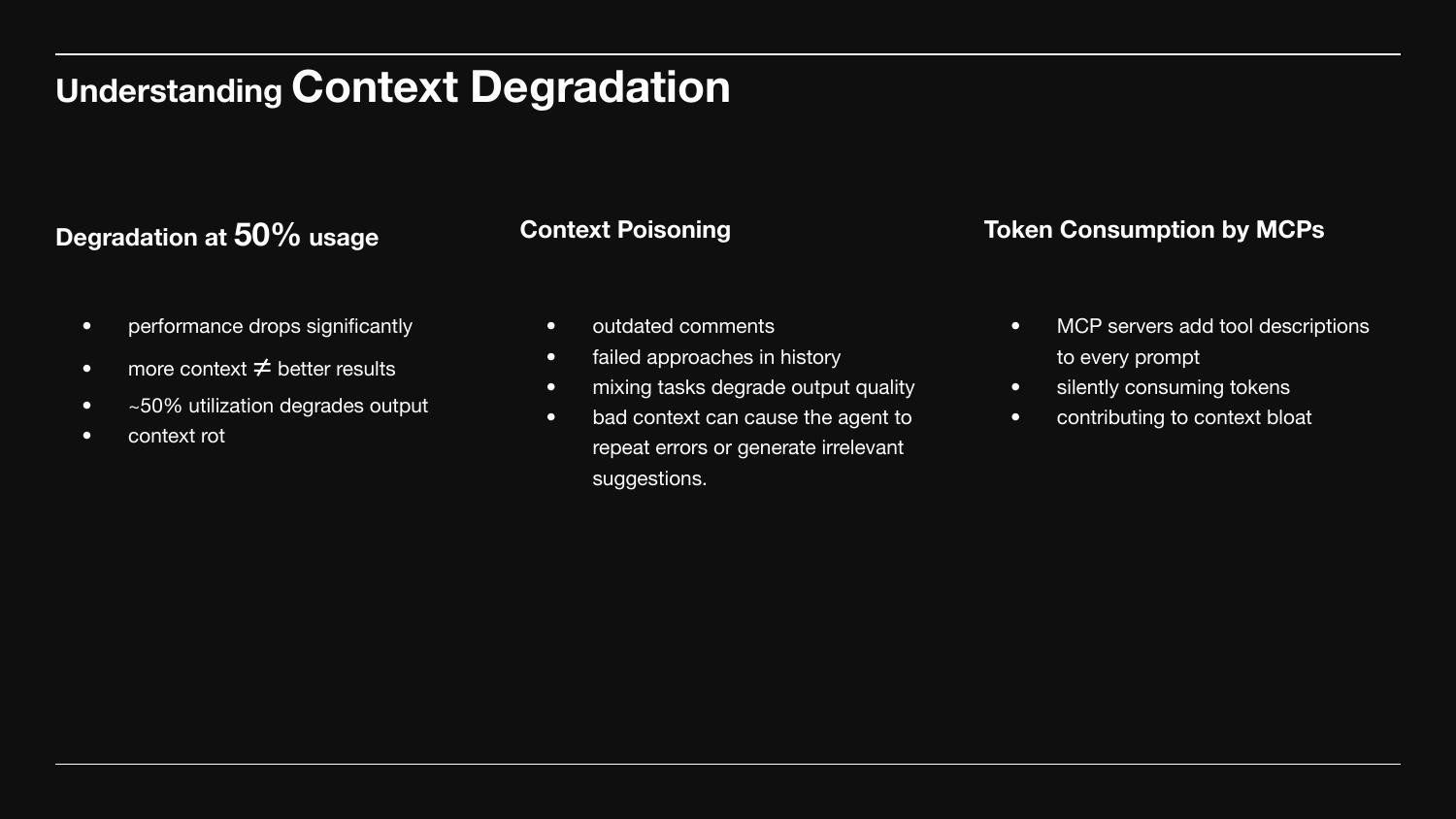
Three things that degrade the window itself.
Quality drops past ~50% utilization. More context isn't better. Sometimes called context rot.
Context poisoning. Outdated comments, failed approaches in history, mixed tasks. Bad context makes the agent repeat errors.
MCP token consumption. Every connected MCP server loads its tool descriptions into every prompt.
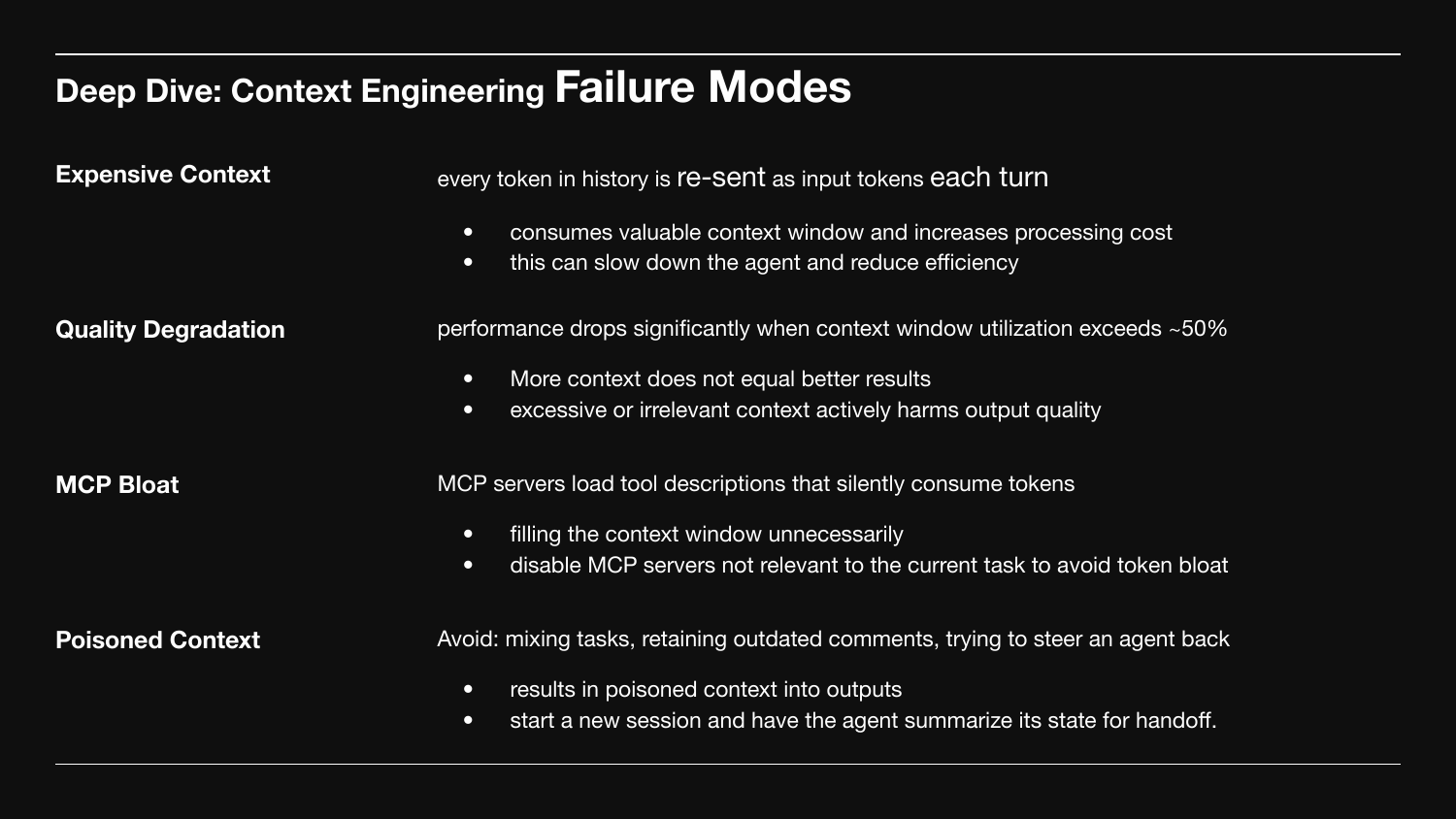
Four named failure modes:
Expensive context. History is re-sent every turn. Long sessions get slow and costly.
Quality degradation. Output gets worse past ~50% window utilization.
MCP bloat. Disable servers you aren't using. Their tool descriptions fill the window.
Poisoned context. Don't steer back from a wrong direction - start a new session and have the agent summarize state for handoff.
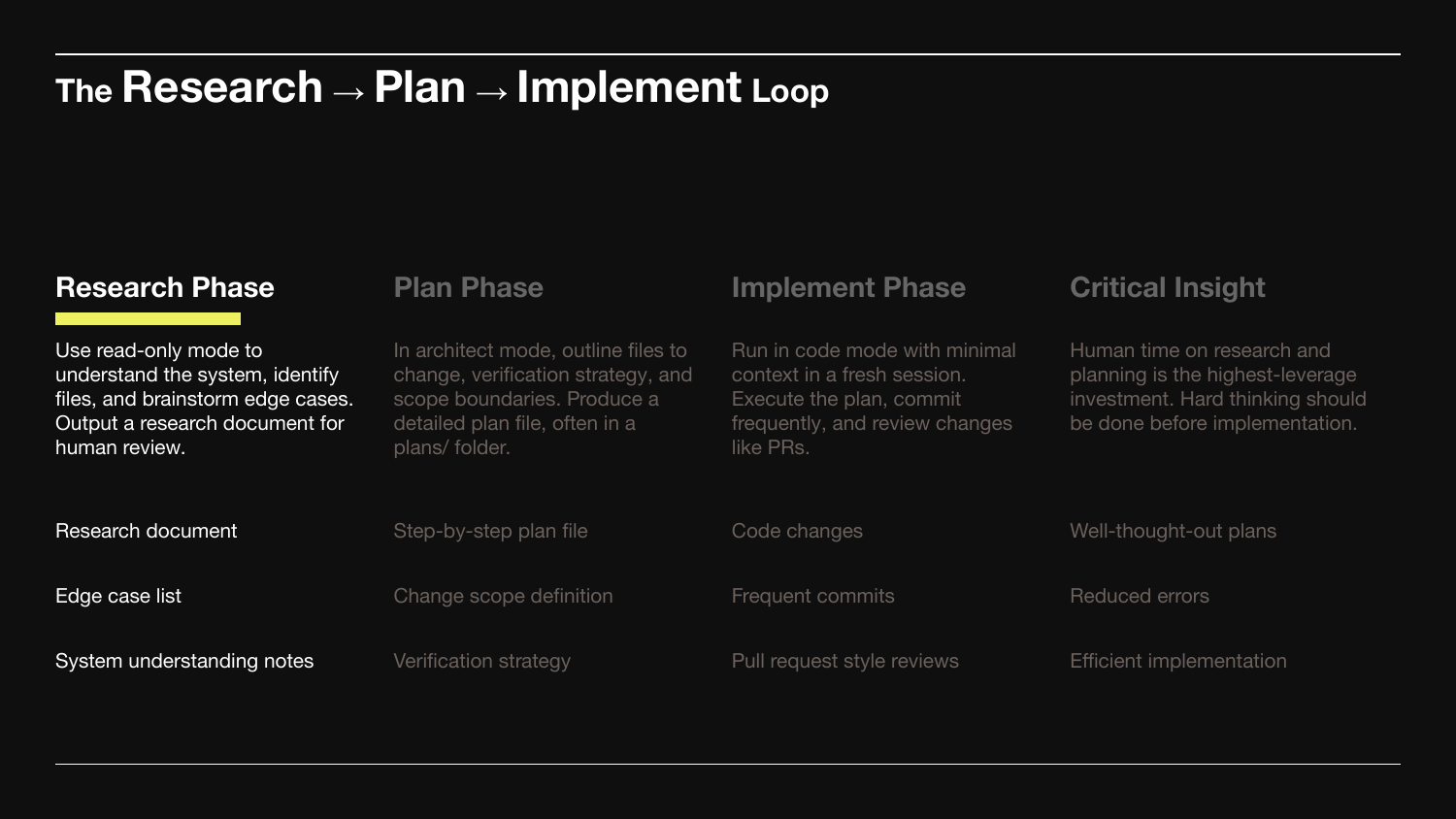
The loop in three phases plus one insight. We'll walk each.
Research Phase. Read-only mode. Understand the system, identify the files, brainstorm edge cases. Output a research document for human review.
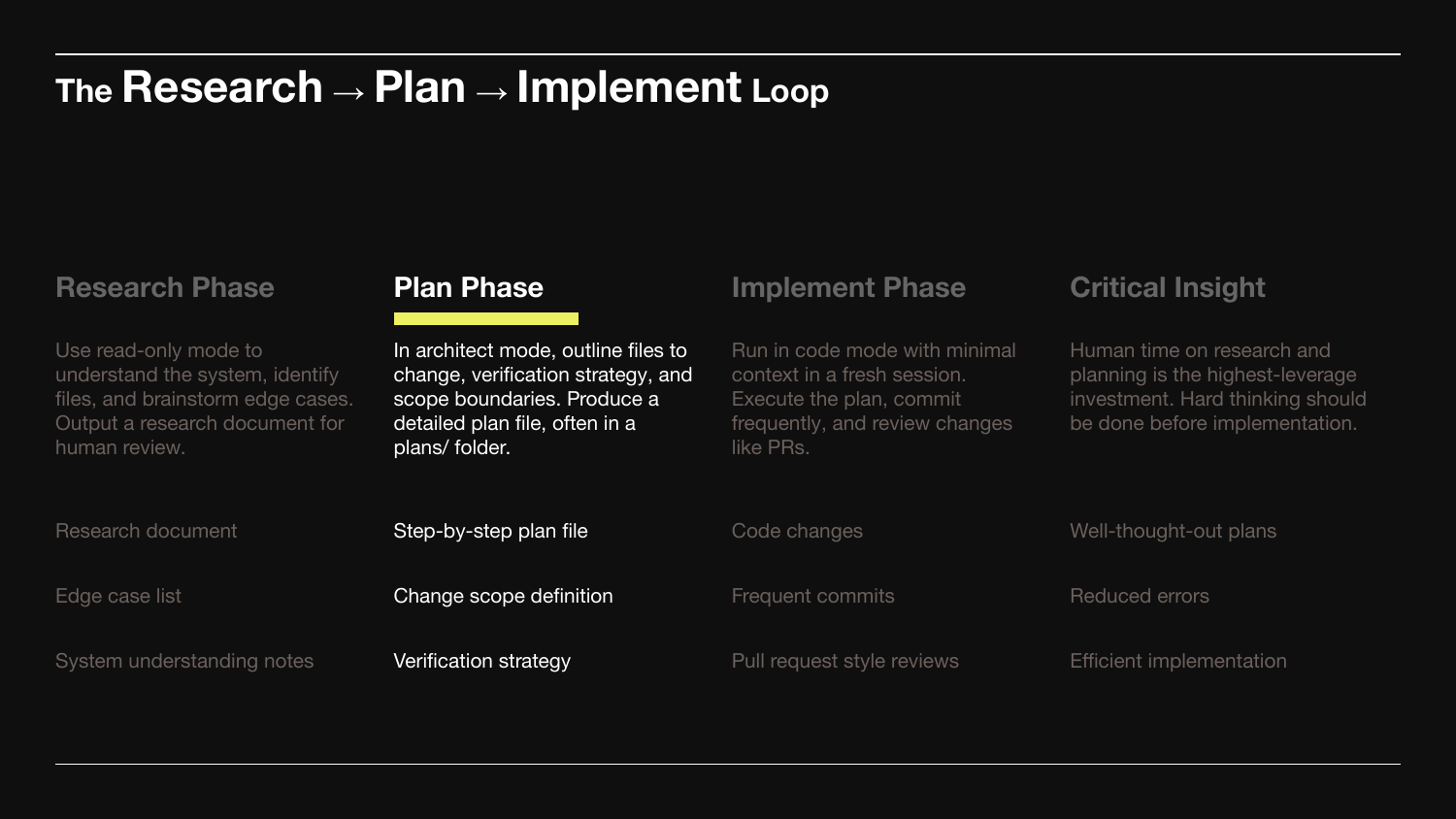
Plan Phase. Architect mode. Outline files to change, verification strategy, and explicit scope boundaries. Produce a step-by-step plan file in a plans/ folder.
The plan is the bridge between understanding and modifying.
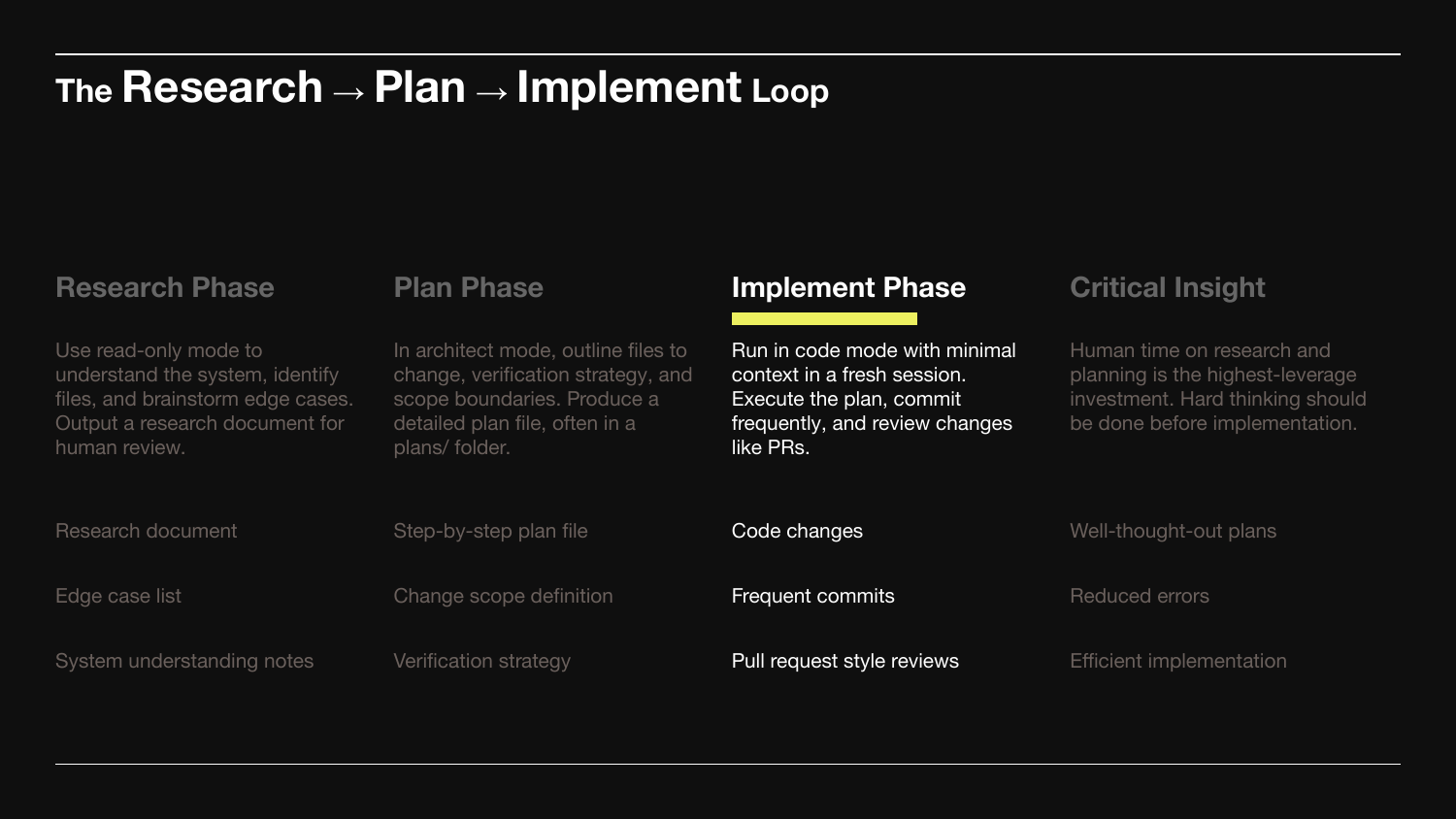
Implement Phase. Code mode. Minimal context. Fresh session.
Execute the plan, commit frequently, review like a PR. Implementation should feel cheap and mechanical - the hard thinking already happened.
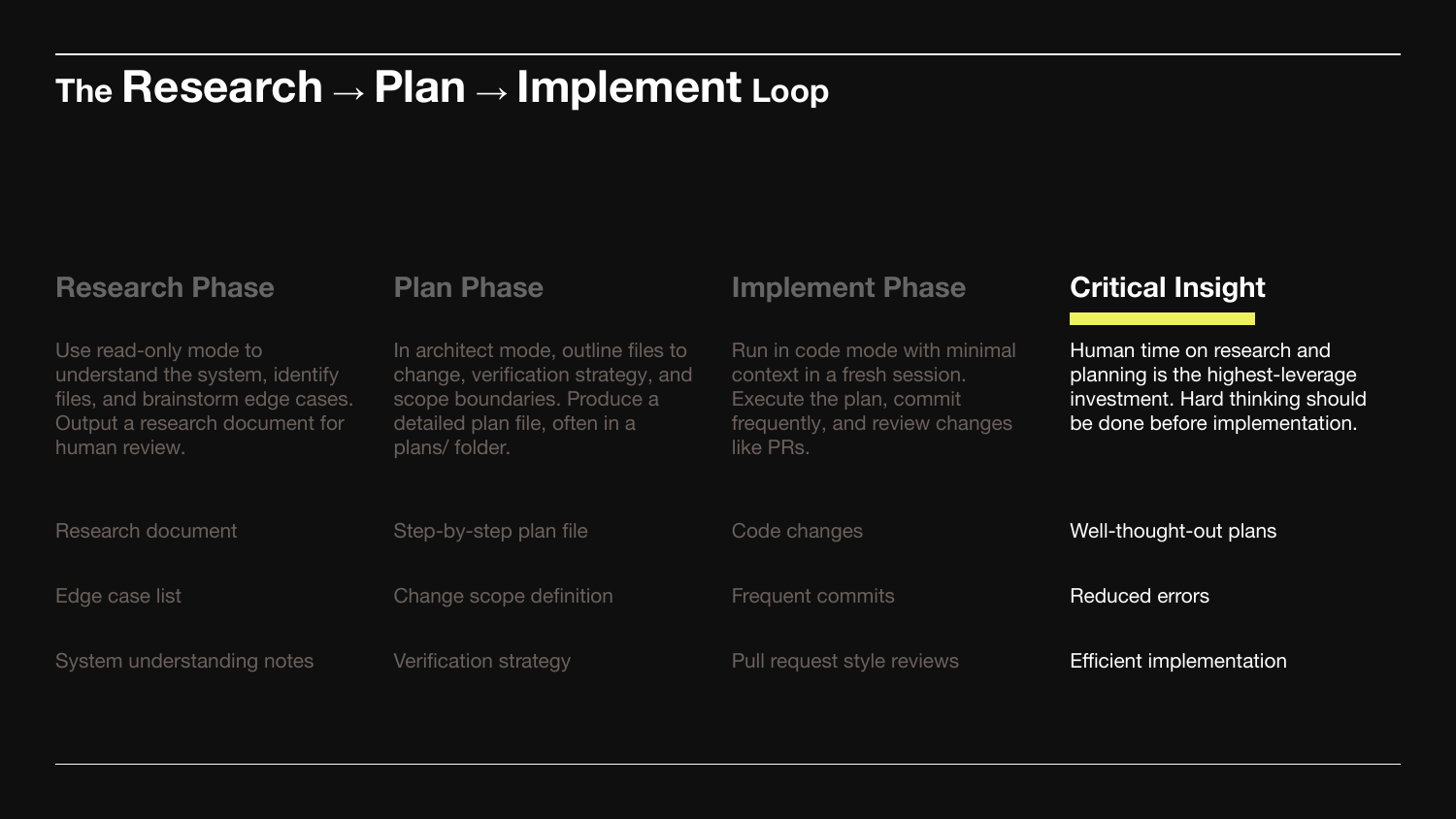
Critical Insight. Human time on research and planning is the highest-leverage investment. Hard thinking goes before implementation, not during it.
A good plan turns implementation into well-thought-out code. A bad plan turns it into hundreds of lines you have to throw away. The phases are separate because each has a different cost.
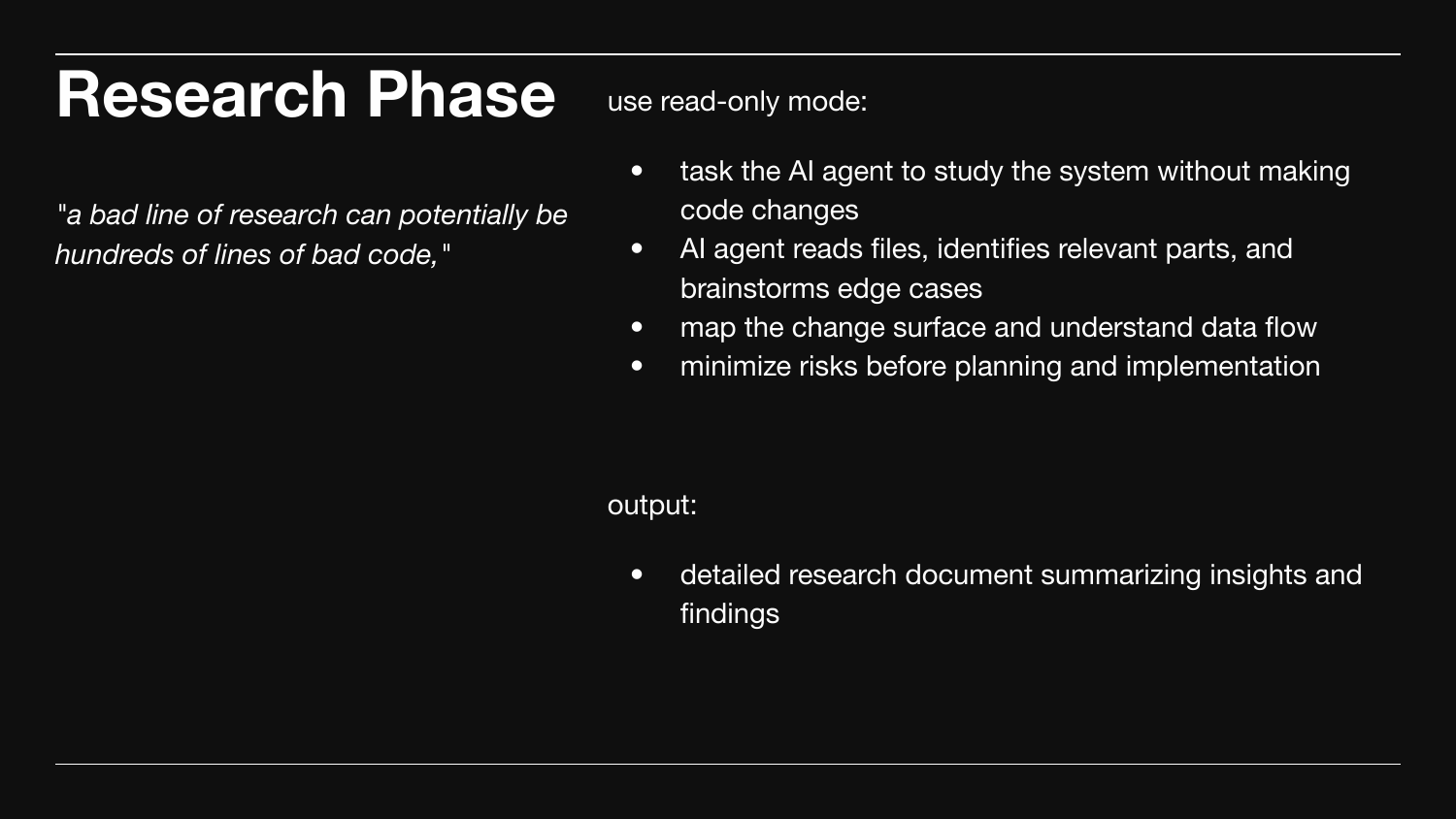
A bad line of research can become hundreds of lines of bad code.
Read-only mode. The agent reads files, identifies what's relevant, brainstorms edge cases, maps data flow. No code changes.
Output: a research document a human reviews before anything else.
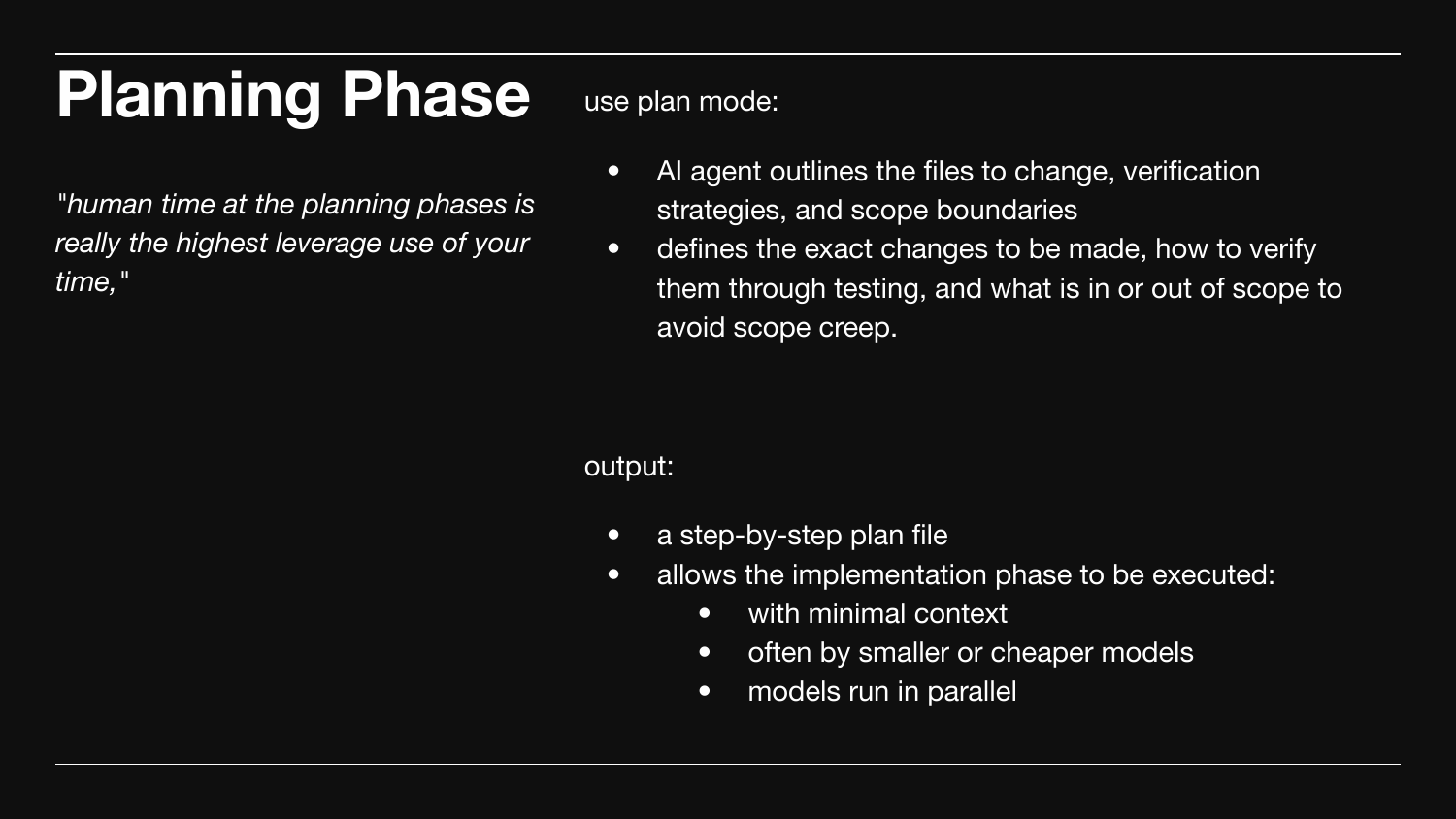
Human time at the planning phase is the highest-leverage use of your time.
Plan mode. The agent outlines files to change, verification strategy, and explicit scope (in vs out - the only way to stop scope creep).
Output: a step-by-step plan file. With a good plan, implementation runs with minimal context - often by smaller models, often in parallel.
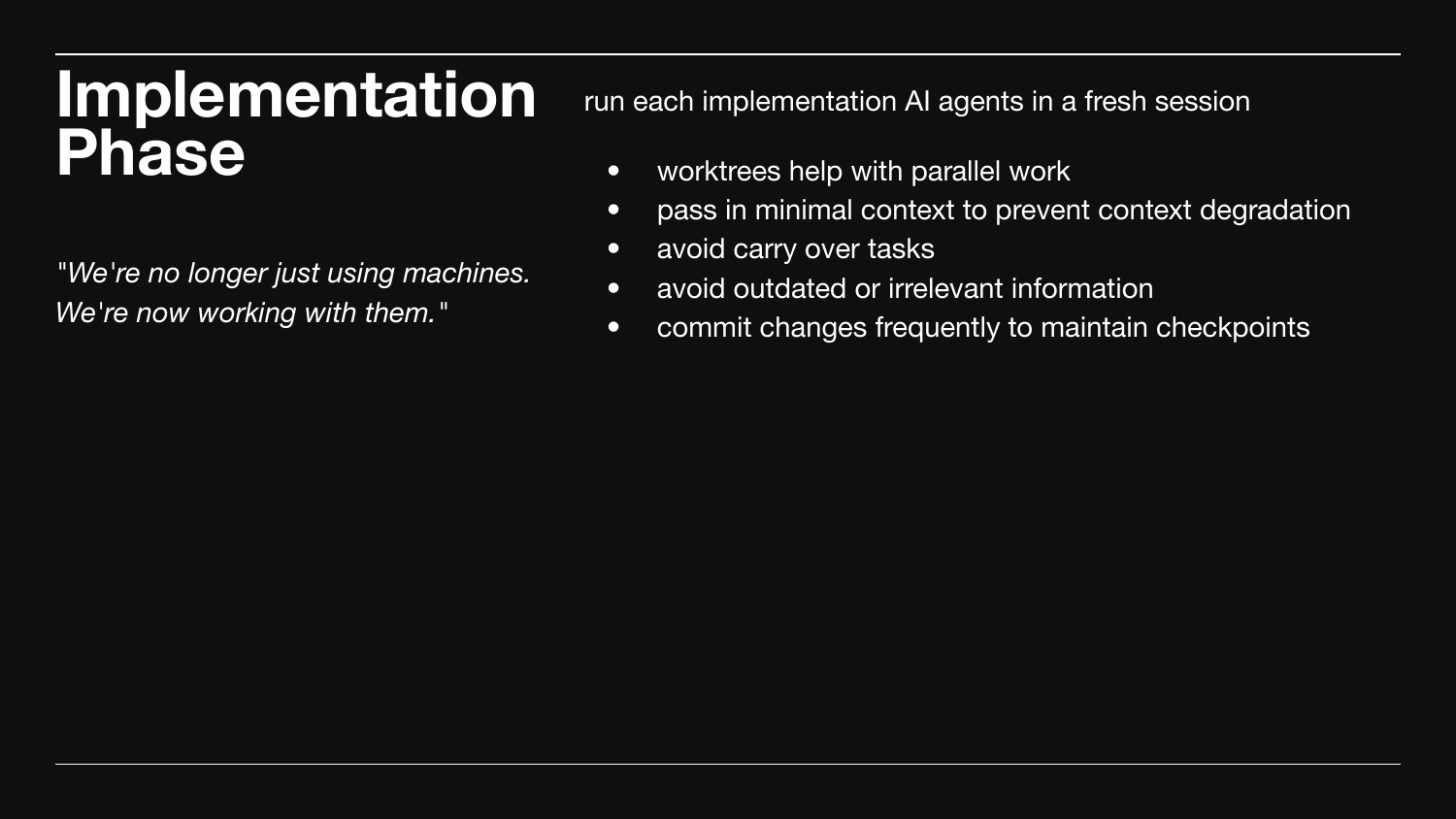
"We're no longer just using machines. We're working with them."
Each implementation agent runs in a fresh session. Worktrees enable parallel work. Pass minimal context - don't carry over old tasks; they contaminate new work.
Commit frequently. Each commit is a checkpoint and a small PR-shaped review.
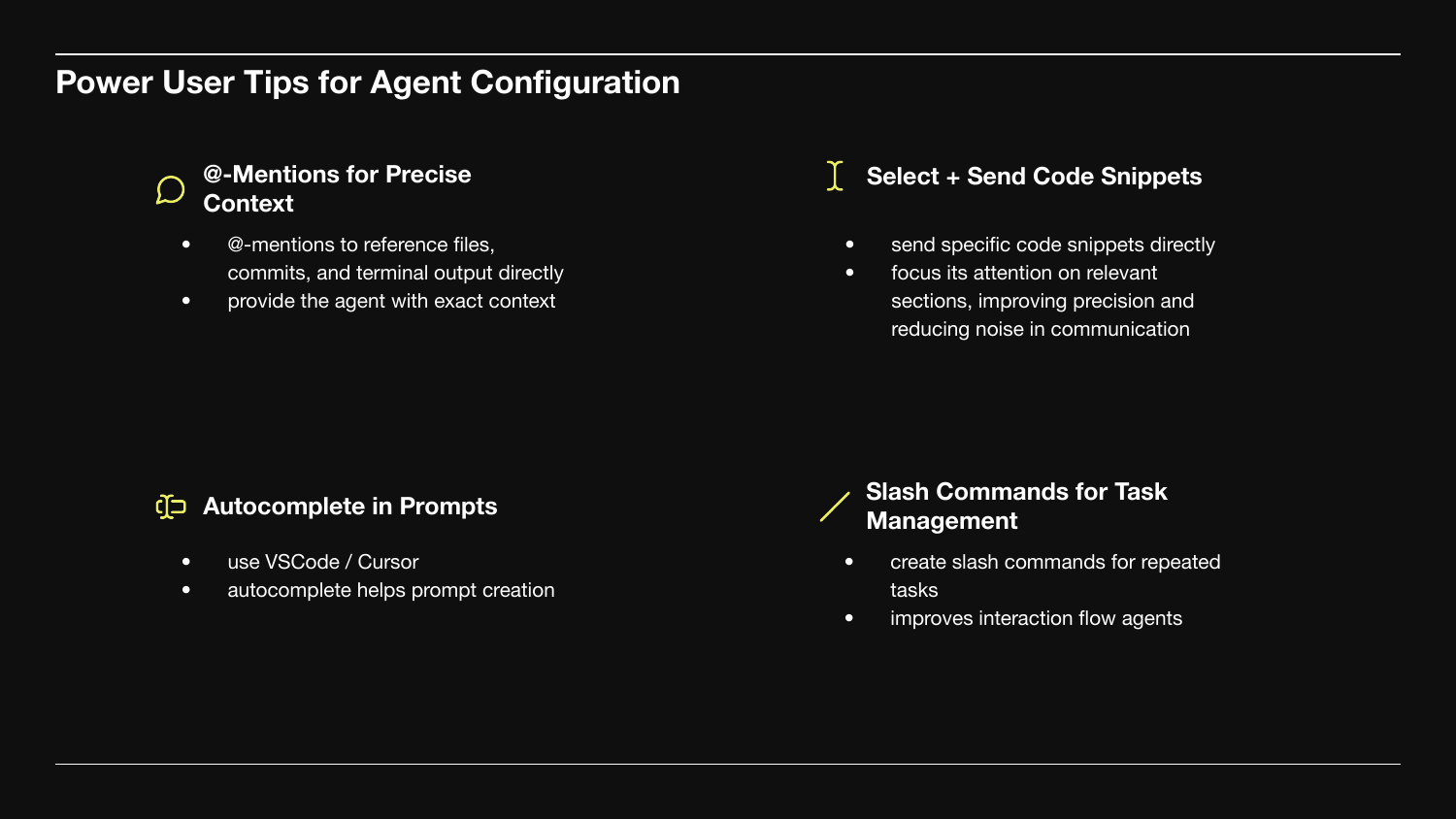
Four tactical tips.
@-mentions for precise context. Reference specific files, commits, or terminal output directly.
Select + send code snippets. Focus the agent on the relevant section.
Autocomplete in prompts. VSCode and Cursor write better prompts faster.
Slash commands for repeated workflows. Stop re-typing the same instructions.
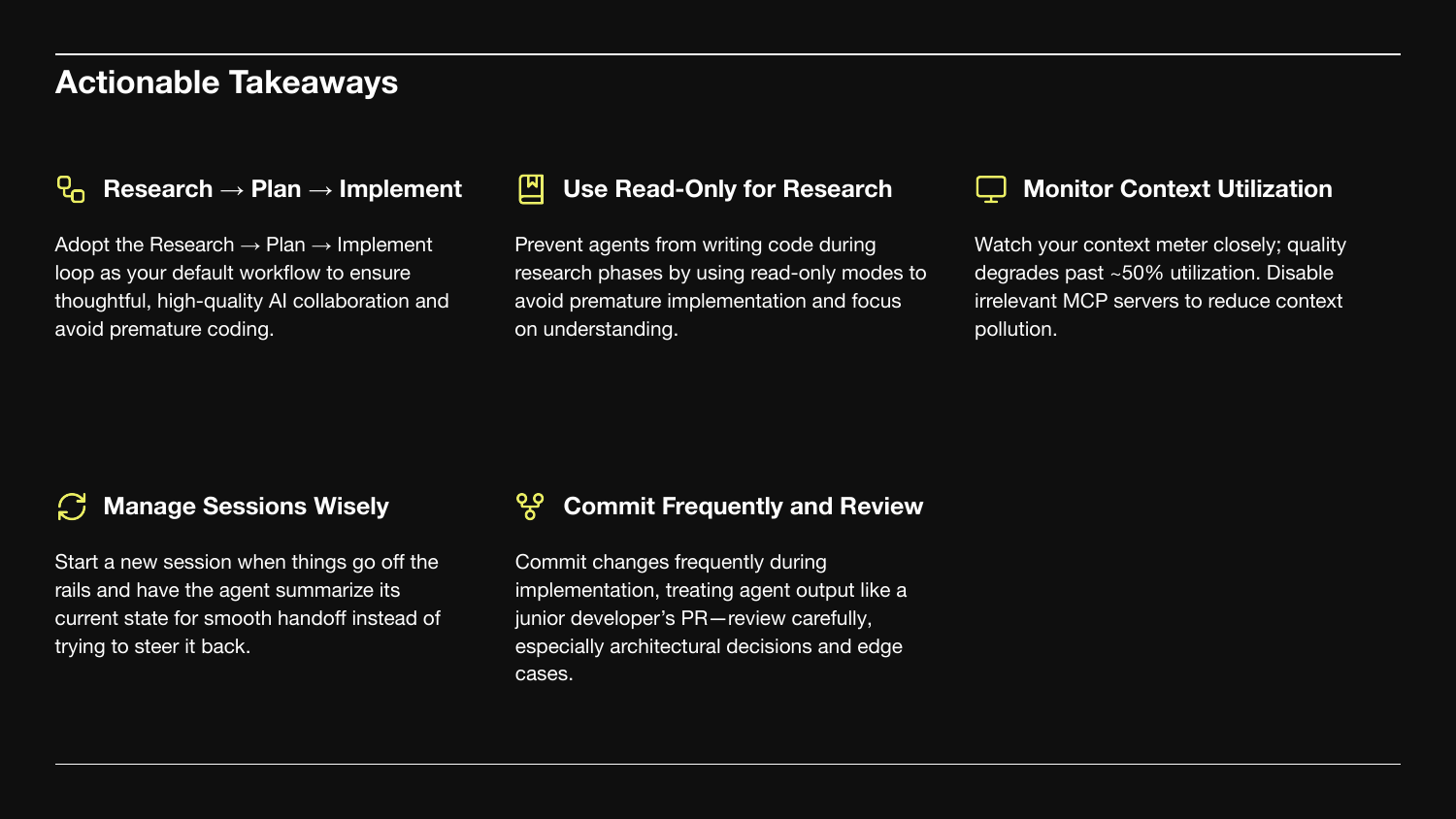
Five things to take with you.
- Adopt Research → Plan → Implement as your default workflow.
- Use read-only mode for research. Prevent premature coding.
- Monitor context utilization. Quality degrades past ~50%. Disable irrelevant MCP servers.
- Manage sessions wisely. When things go off the rails, start a new session and have the agent summarize state.
- Commit frequently and review. Treat agent output like a junior PR.
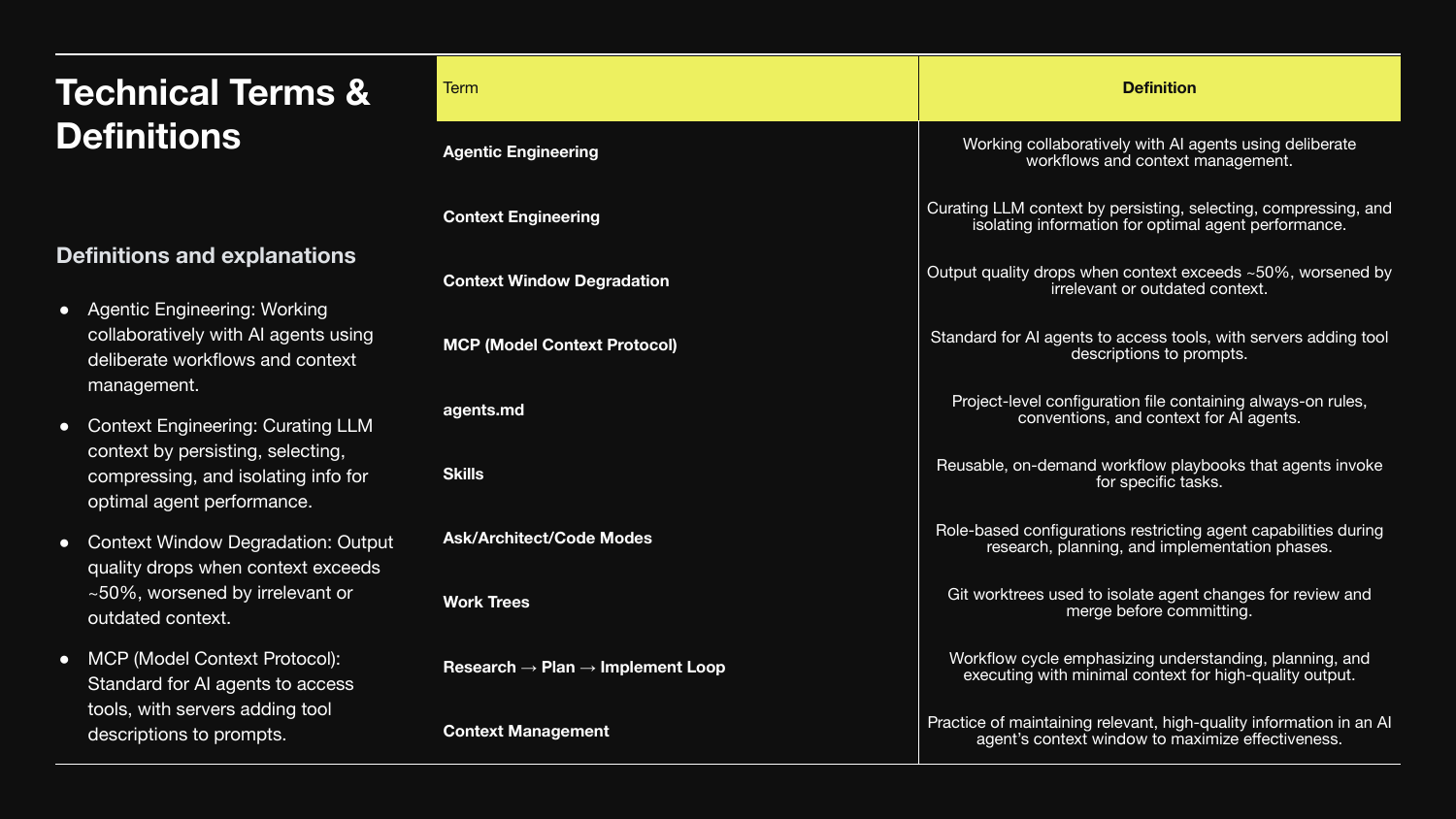
Reference glossary.
- Agentic Engineering - collaborating with AI agents using deliberate workflows.
- Context Engineering - curating LLM context: persist, select, compress, isolate.
- Context Window Degradation - output quality drops past ~50%.
- MCP - Model Context Protocol. How agents access tools.
agents.md- project-level rules file.- Skills - on-demand workflow playbooks.
- Modes (
ask/architect/code) - capabilities restricted per phase. - Worktrees - git worktrees to isolate parallel agent changes.
- R → P → I Loop - phase-separated workflow.
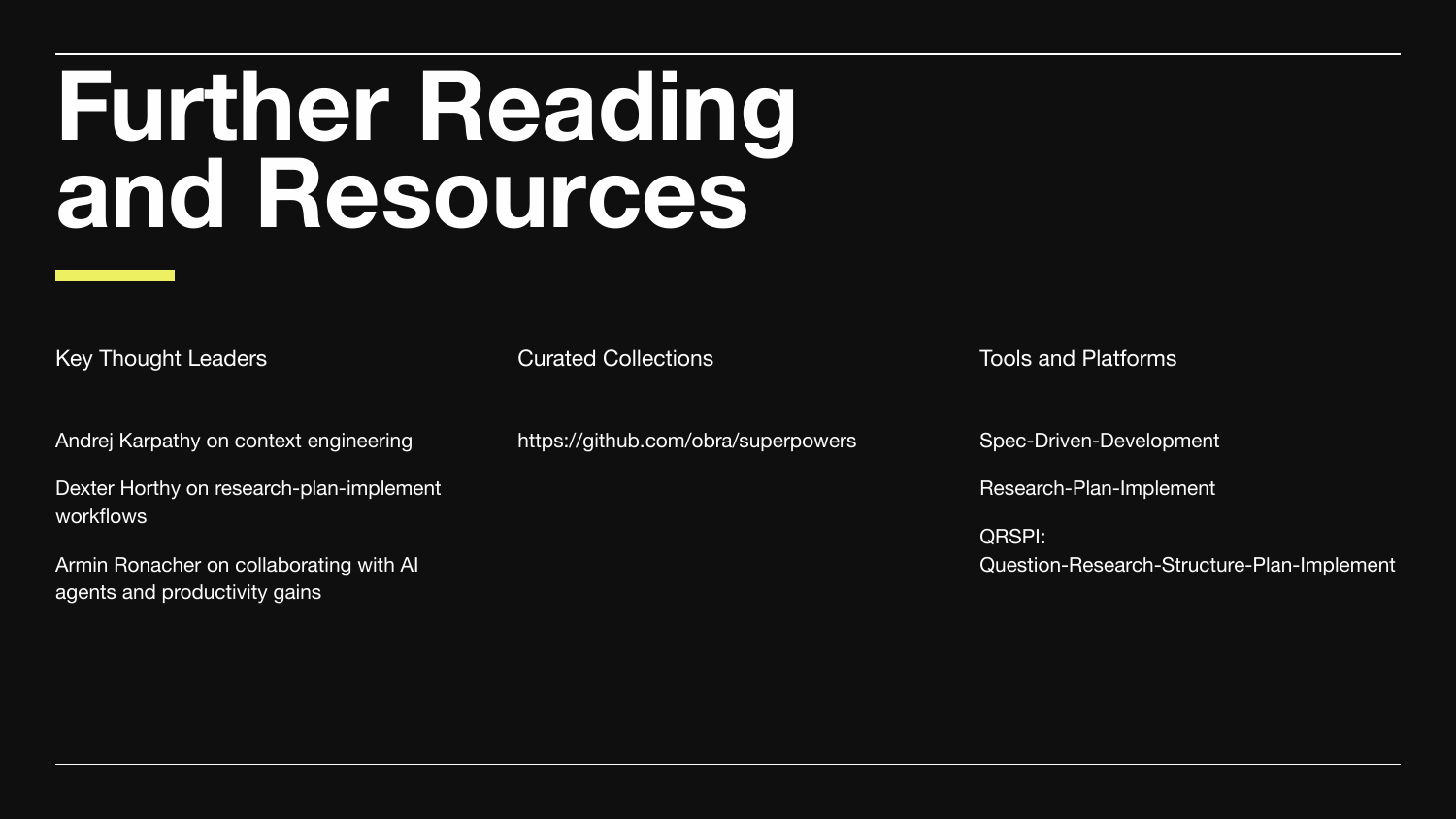
Where to go next.
Thought leaders:
- Andrej Karpathy on context engineering.
- Dexter Horthy on research-plan-implement workflows.
- Armin Ronacher on collaborating with AI agents.
Collections: obra/superpowers.
Frameworks: Spec-Driven Development, Research-Plan-Implement, QRSPI (Question-Research-Structure-Plan-Implement).
The shift from 2024 to 2026 wasn't model capability. It was the discipline of how we work with them. Models will keep improving. The compounding leverage is in the workflow - where you spend human time, where you let the agent run, and how you keep context honest.